Know your vehicle
Explore engine behavior, monitor key parameters and track performance.
THE PLATFORM
Explore the current development platform and its validation status.
FOR EVERY ENTHUSIAST
Let your tuner handle the calibration. Take control of your data.
Whether your vehicle is stock, running an off-the-shelf tune or remotely calibrated, LOG LAB LIVE is designed to help you monitor, record and understand engine data without opening a calibration table.
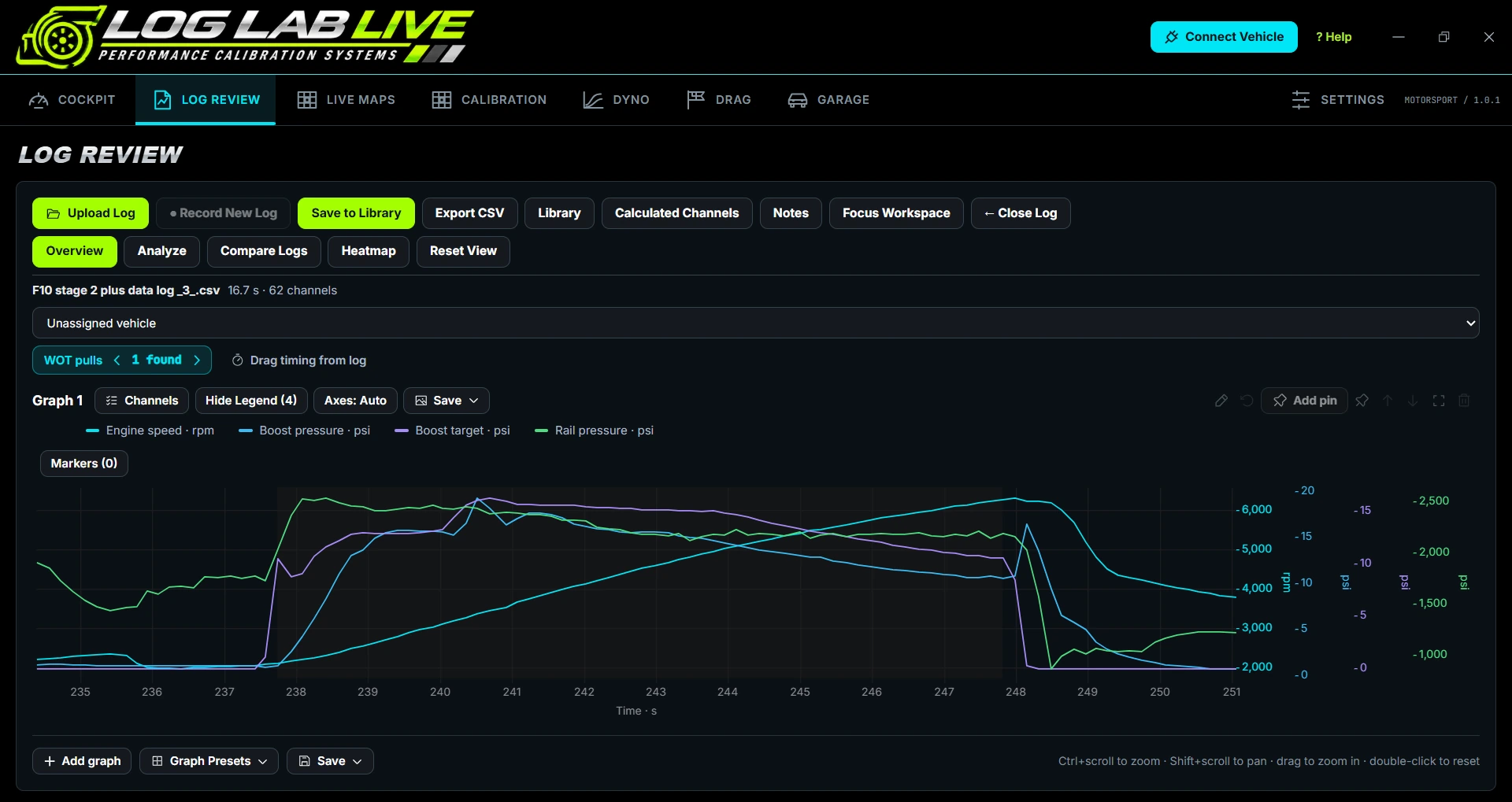
Explore engine behavior, monitor key parameters and track performance.
Capture requested channels and export logs for your tuner once live recording and export compatibility are validated.
Connect logged behavior to calibration tables and prepare proposed changes for external editors.
Use a validated vehicle interface.
Graph live channels and record the data requested by your tuner.
Inspect the recorded data.
Export and send the log using your tuner’s accepted format.
Compare logs after subsequent revisions.
Live logging, sampling rates, channel coverage and tuner export compatibility remain pending physical validation. Confirm your tuner’s requirements before using an exported log. Never operate the software while driving.
Register your interest ↗BUILT FOR YOUR TUNING WORKFLOW
LOG LAB LIVE is designed to work alongside existing tuning platforms, not replace them. Connect recorded engine behavior with calibration tables, prepare proposed changes and transfer table values to an external calibration editor.
Review logs, investigate operating points, edit proposed table values and compare revisions.
Transfer proposed values into a matching table, save a separate BIN and return it to LOG LAB LIVE for comparison.
Use compatible exported logs for analysis. ECU flashing remains the responsibility of your external platform; compatibility varies by vehicle and file format.
Independent software; no affiliation with TunerPro or MHD. LOG LAB LIVE does not flash ECUs or validate tuning safety. External transfer is a development workflow pending end-to-end validation.
LIVE MONITORING / DATALOG RECORDING
See engine behavior as it happens with customizable digital gauges and live trend graphs. Start a capture, record selected channels, then review and export the datalog for your tuner.
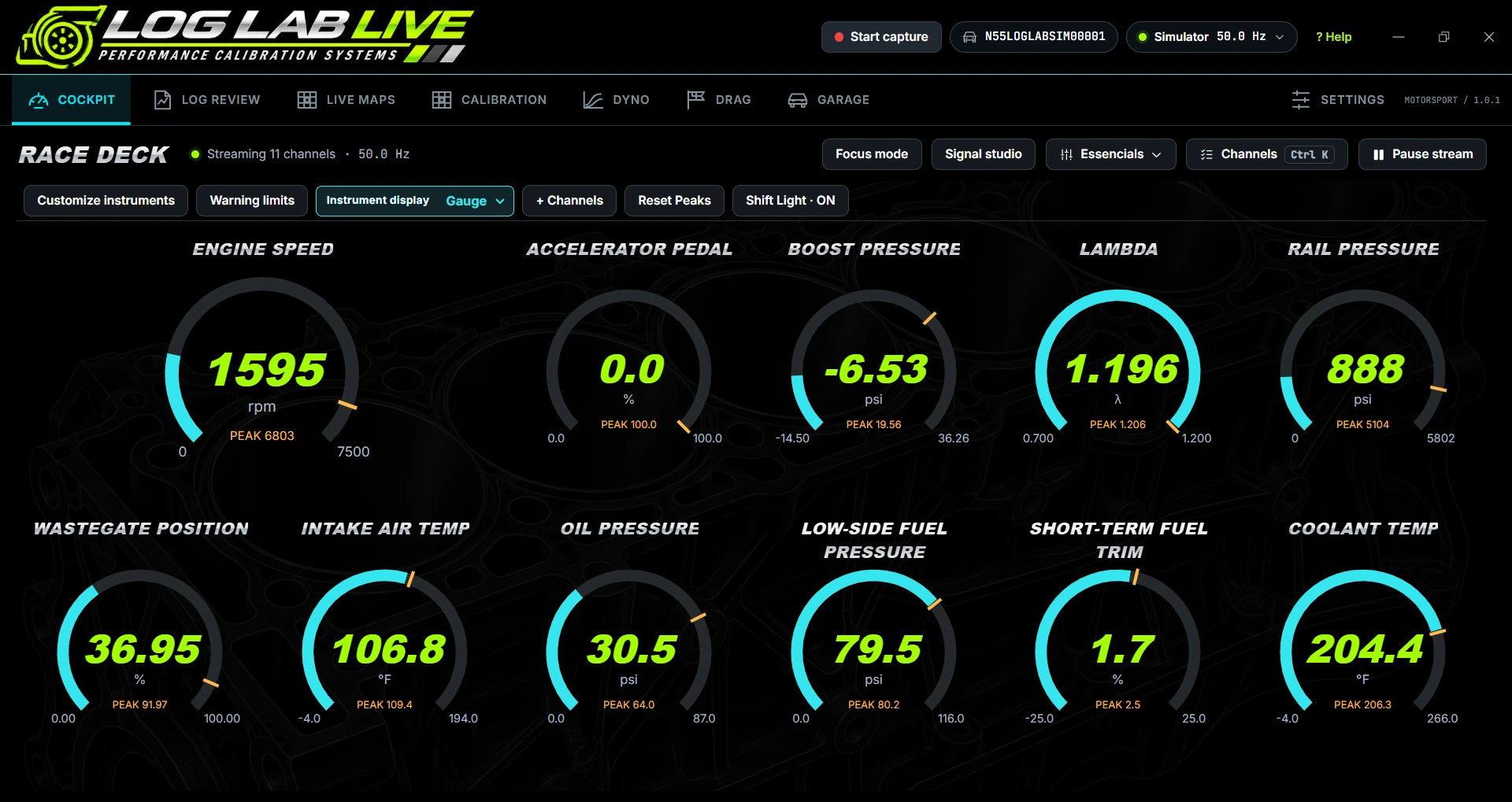
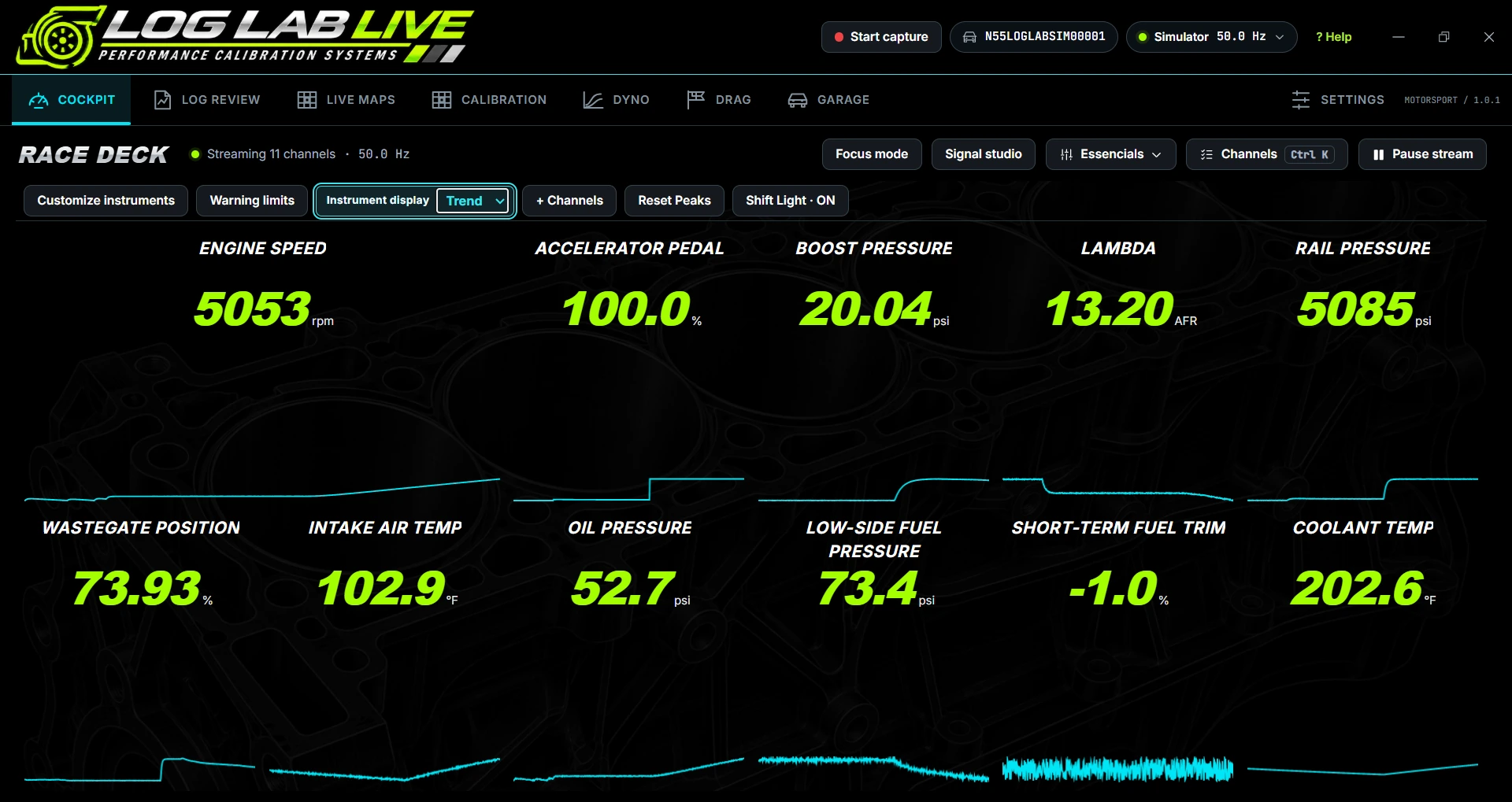
Development previews use simulated telemetry. Vehicle connectivity, sampling rates, recording accuracy and export compatibility are subject to real-world validation.
THE PLATFORM
One organized environment for exploring engine behavior and investigating the relationship between logged data and calibration tables.
Import compatible logs, inspect synchronized channels and investigate boost, fueling, ignition and engine load.
Watch selected engine channels update in real time and record datalogs for later review and export. Live vehicle connectivity and recording accuracy are pending physical validation.
Visualize recorded operating data across RPM and load cells. Simultaneous multi-map capture is a development target.
Explore compatible BIN and XDF files and relate logged operating points to relevant calibration cells.
Use derived metrics to investigate target versus actual behavior and identify areas that warrant further analysis.
Keep vehicle projects, datalogs and calibration investigations organized in a dedicated desktop environment.
Customize gauges, numerical instruments, trend traces and warning limits.
Explore estimated power and torque from suitable acceleration logs. Estimates are not calibrated dyno measurements.
Investigate acceleration intervals and splits from suitable logs. Closed-course use only.